MacYT
ProductivityMar 2026Download video and audio from any URL — no terminal required.
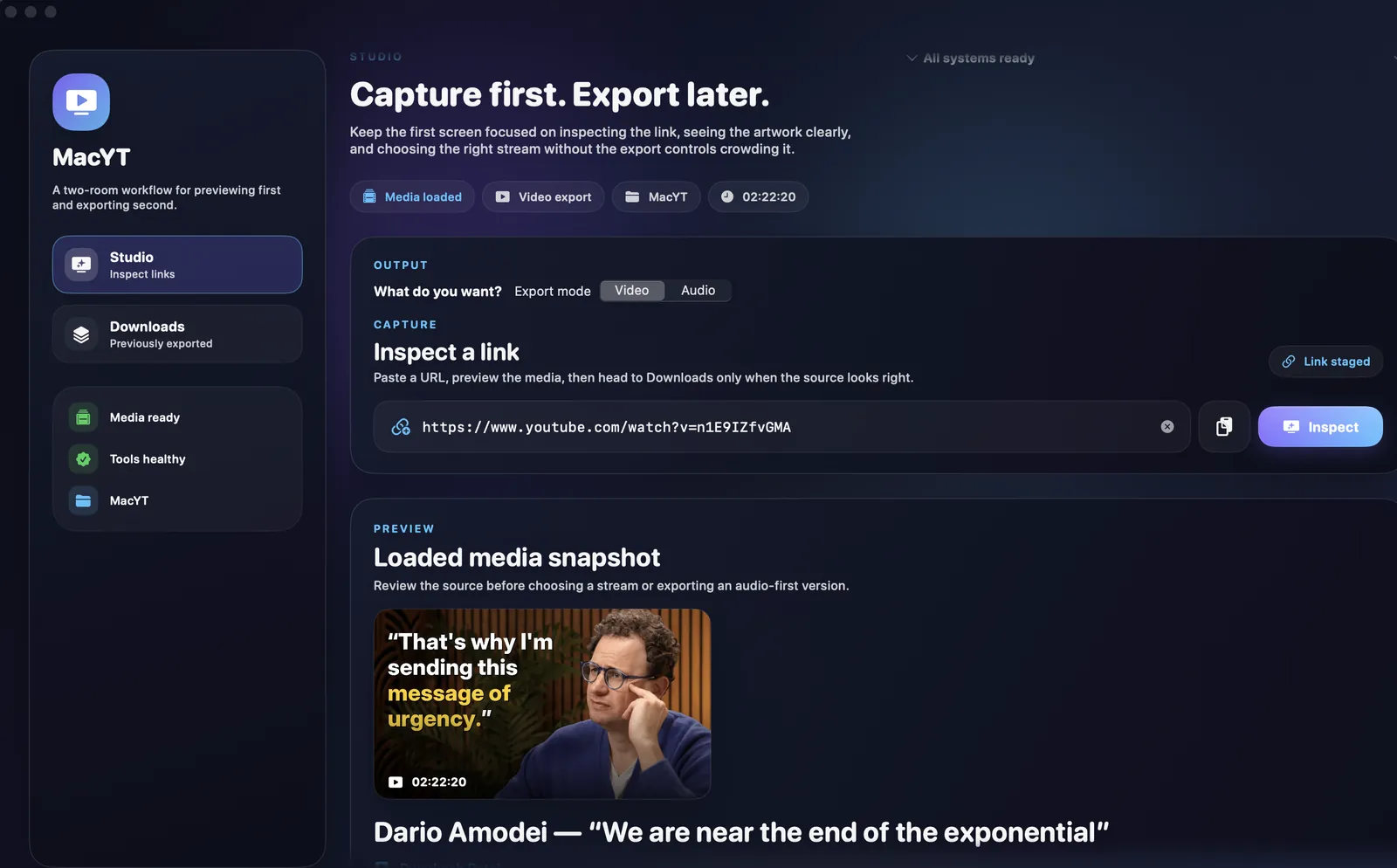
Why I Built This
I use yt-dlp constantly — saving conference talks, podcast episodes, music for offline listening. But every time, it meant opening a terminal, remembering flags, checking available formats. I wanted a native Mac app that made the whole thing feel effortless: paste a URL, pick your options, download.
There are a few GUI wrappers out there, but none of them felt like a real Mac app. MacYT is free, open-source, built with SwiftUI, runs natively on macOS, and looks like it belongs on your dock.
What It Does
Video & Audio Downloads
Paste any URL supported by yt-dlp — YouTube, Vimeo, Twitter, and hundreds more. Choose to download the full video or extract just the audio in MP3 with configurable bitrate presets: Best, 320k, 256k, 192k, or 128k.
Format & Quality Selection
Pick the exact video format and quality you want before downloading. No more guessing what -f bestvideo+bestaudio actually gives you.
Subtitle Support
Download subtitles — including auto-generated ones — and convert between SRT and VTT formats automatically.
SponsorBlock Integration
Mark or remove sponsored segments from YouTube videos. No more manually scrubbing past ads in downloaded content.
Metadata & Chapters
Embed metadata, chapters, and thumbnails into your downloaded files. Split downloads into separate files by chapter if you prefer individual tracks.
Self-Updating
Built-in auto-update mechanism via Sparkle. You'll always have the latest version without checking GitHub manually.
Quick Start
- Download the DMG from GitHub Releases
- Make sure yt-dlp is installed (
brew install yt-dlp) - Launch MacYT, paste a URL, and hit download
Downloads go to ~/Downloads/MacYT/ by default. You can change the output directory in settings.
Privacy
MacYT is a local-only app. It shells out to yt-dlp on your machine to do the actual downloading. No accounts, no analytics, no telemetry. The only network requests are to the sites you're downloading from and to check for app updates.