Twitter List Quick Add
Social MediaNovember 2025Add users to lists without leaving your timeline.
The Problem
I use Twitter (X) lists obsessively. Separate lists for tech people, product folks, writers, crypto accounts I regret following. It's the only way to make the timeline usable.
But adding someone to a list is painful. Click their profile. Click the three-dot menu. Click "Add to Lists." Wait for the modal to load. Scroll through your lists. Toggle the right ones. Close the modal. Go back to the timeline.
Do this 500 times when organizing your following and you'll understand why I built this.
What This Does
Adds a small "+ List" button next to usernames in your Twitter/X timeline. One click opens a quick picker with all your lists. Toggle the ones you want, close, done. No profile visit required.
Multi-Select
Add someone to multiple lists at once. Tech person who also writes? Toggle both lists in the same popup.
Smart Caching
Your list data gets cached for 24 hours. After the first load, list lookups are instant. No waiting for API calls.
List Manager
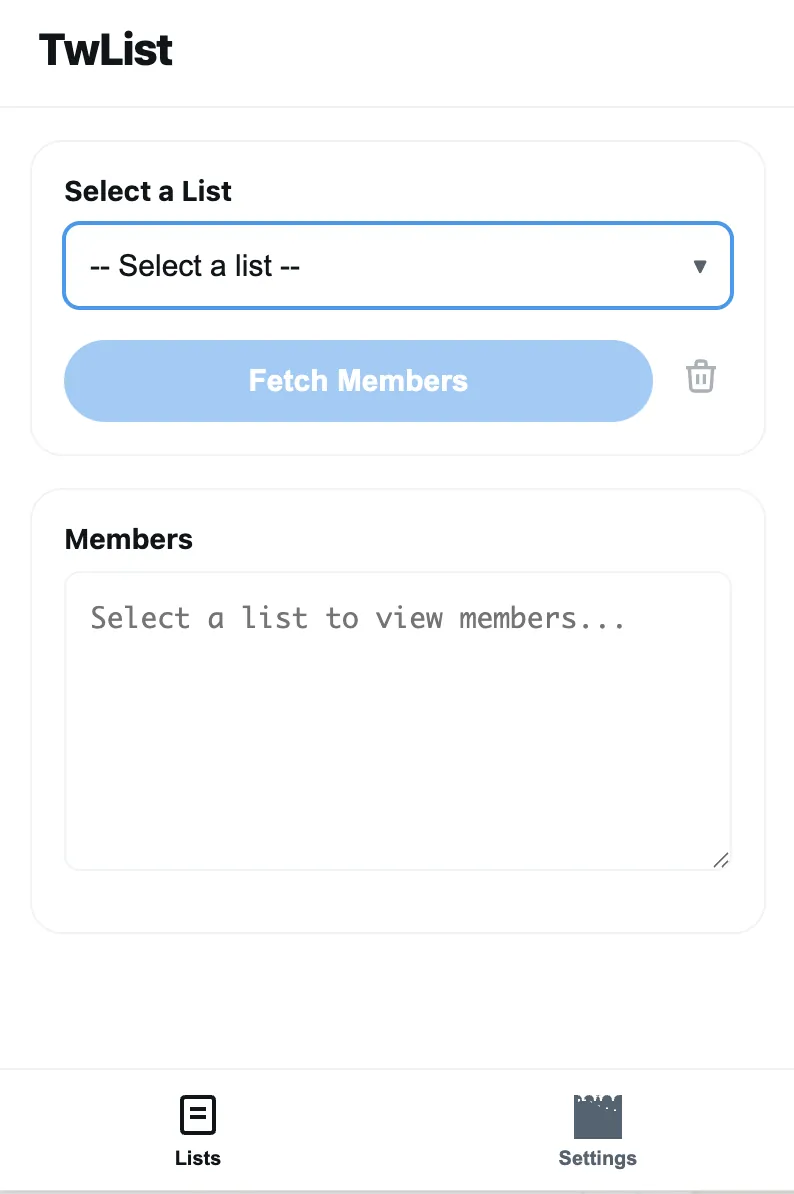
View and edit list members from a single popup. No more jumping between Twitter's confusing list pages.
Rate Limit Protection
Twitter's API limits are aggressive. The extension has built-in safety modes — Conservative, Balanced, or Aggressive — so you don't accidentally get rate limited.
Setup
- Clone the repo
- Open
chrome://extensionsin Chrome - Enable Developer Mode
- Click "Load unpacked" and select the extension folder
- Navigate to Twitter — you'll see "+ List" buttons next to usernames
Note About Authentication
The extension uses your existing Twitter session. It reads your auth token from cookies to make API calls. No password input, no third-party auth flow.